Learning Objectives
With this assignment you will demonstrate:
- The ability to write a complete interactive Pygame program
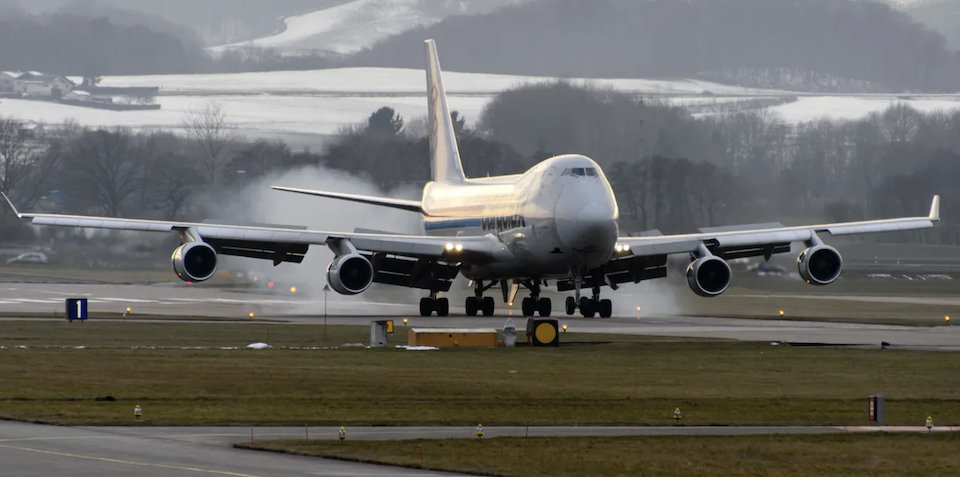
You will demonstrate these objectives by writing an interactive program to land an airplane (and take off again). You will have control of the plane and should be careful to land smoothly.
Readings and Videos
This homework assignment covers the material learned in Labs 12–15. Please go through all of the referenced readings and videos that you will find in the Further Study sections.
Instructions
Work in teams of 1 to 2 students.
Create a folder in your cmsi1010 repo called pset04 (“Pset” is the college term for “Problem Set”, which is just a glorified term for “homework assignment”.) Into this folder, fetch the starter file plane_lander.py. You can use curl to get it, or you copy-paste them from your web browser into VSCode.
The starter code is a complete, but rough, implementation of a simple interactive application in which a user can land a plane and take off again. The methods of interaction are described in the comments of the file.
Your task for this assignment is to (1) enhance the interaction by adding some additional features (and possibly some more realism), and (2) get creative with the artwork. Things you can do include:
- Adding a background image
- Adding a runway
- Build a better plane polygon
- Making the plane a sprite
- Instead of a plane, use a bird, butterfly, or I dunno, a Mario Kart glider
- Adding a fuel gauge
- Adding a speedometer
- Adding a score that increases with each successful landing and decreases with each crash
- Adding a timer (e.g., the plane must land within a certain duration or else)
- Supporting touch-and-go landings
- Making the trees prettier
- Adding clouds
- Smoothing the animation of the plane’s rotation
- Displaying instructions by rendering text on the screen
- Adding a sound effect when the plane lands
- Adding a sound effect when the plane crashes
- Adding a sound effect when the plane takes off
- Allowing the plane to go much faster
- Allowing the plane to accelerate and decelerate while flying (choose your own keyboard controls for these operations)
- Allowing the plane to take off before it reaches its maximum speed and accelerate while rising
- Have a runway appear and disappear so that the plane can only land on the runway (and crashes if it misses)
- Restyle the landing so you have to take off and land on an aircraft carrier (do some research to see how this differs from conventional aircraft)
This is not an exhaustive list! Use your imagination.
You are expected to implement, and document, five enhancements. They can be small, as this assignment is part of an introductory course; however, don’t allow your creativity and passion for learning new things be limited! Strive to make 2-3 enhancements on your own, then use an AI assistant to help you with more. Keep an eye on the AI-generated code, and be ready to clean up any substandard names and program organization.
If you worked with a partner, you must include with your submission an affidavit stating that you each worked on the entire assignment, did not partition the work, and are both aware of and responsible for the final submission. Take the opportunity to be patient peer teachers, diligent learners from each other, and enjoy your collaboration.
Grading
You will be scored on a correct implementation and documentation of the five enhancements, as well as programming style and presentation. Make sure your VSCode environment is set up with a code formatter and linter. You should already be familiar with the PEP 8 Style Guide, and have installed a plugin such as autopep8 into your editor. The formatter will only correct structural style violations, so you are still on the hook for clear and descriptive naming and other requirements (capitalization, spacing, indentation) for crafting readable and beautiful code.